

Day #30 Unity Junior Programmer

Today I had to take on a challenge. In this challenge, I had to create a game similar to whack-a-mole where the goal was to collect food that pops up on a grid while avoiding skulls.
At first glance, the challenge seemed daunting. I had to debug buttons, mouse clicks, score tracking, restart sequences, and difficulty settings to get the game functioning correctly. However, I knew that by using the skills and concepts I had learned so far, I could rise to the challenge.
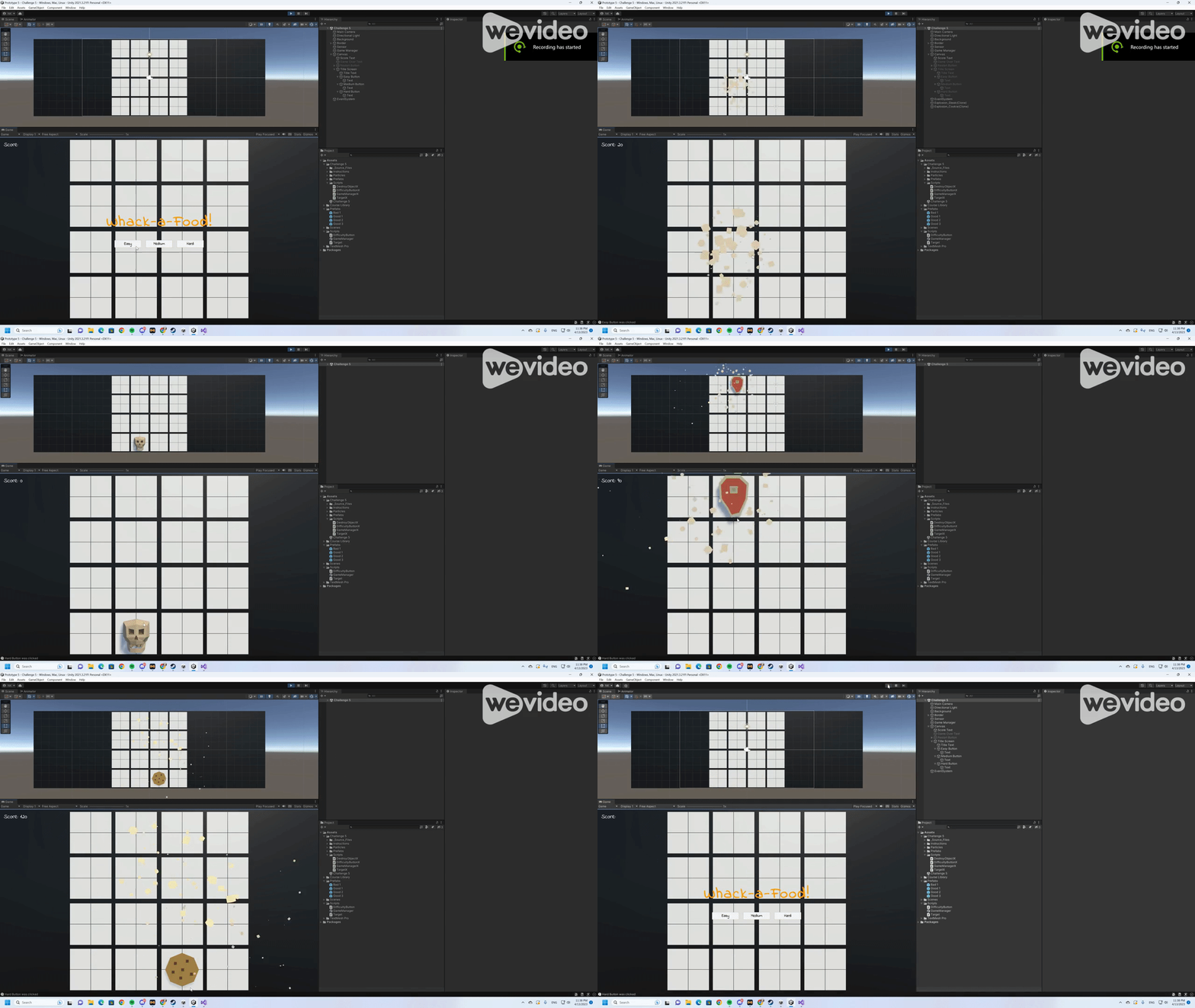
The first step was to create a user interface that looked visually appealing and functional. I utilized the UI library and added buttons to select the difficulty of the game, as well as a restart button that appears when the player loses the game. I also added a score tracker to keep track of the player's progress.
Next, I had to make sure that the difficulty selection affected the spawn rate of the food and skulls. This required the use of the divide/assign operator and passing parameters between scripts. I also used the AddListener() method to handle button clicks and trigger the appropriate actions.
Once the game was functioning correctly, I added some final touches to make it more polished. I grouped child objects to make it easier to manage and organized the code to make it easier to read and maintain.
In the end, I was able to successfully complete the challenge and create a functioning game that tested my UI skills. I learned a lot about buttons, mouse events, and passing parameters between scripts. I also gained a better understanding of UI libraries and how to make user interfaces look visually appealing and functional.
As I continue on my journey towards becoming a software engineer, challenges like this remind me of the importance of constantly learning new skills and expanding my knowledge base. I look forward to tackling more challenges and further developing my skills in the future.


Comments